
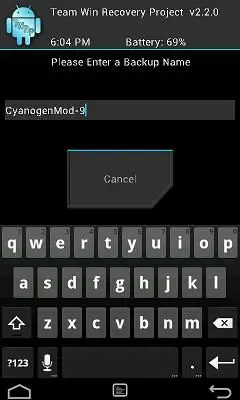
Team Win Recovery Project for the HTC EVO 3D/4G LTE updated to 2.2.0
 Team Win Recovery, a custom recovery for rooted Android devices, was updated to version 2.2.0 today for the HTC EVO 3D and the HTC EVO 4G LTE, along with a host of other phones. Sadly the original HTC EVO 4G was not included in this update.
The new TWRP includes a built in file manager that allows you copy, move, change file permissions, delete, and rename folders. TWRP 2.2.0 also comes with a pseudo terminal emulator which allows you to enter commands in recovery mode as opposed to using ADB from a computer or booting into the phone operating system. You can also easily select where backups are going to be made – either internal or external storage simply by tapping a radio button.
TWRP 2.2.0 requires either an S-OFF or HTCDev unlocked phone and can be installed via fastboot, bootloader or Goo Manager, depending on setup. It should be noted that if you’re going the Goo Manager route, it’s never failed to install it for me, but it doesn’t bother telling you it’s done anything.
You can find changelogs, flashable images, zips, and instructions on how to install on Team Win’s site. After clicking the link below, in the top right of their page choose “Please select your device” and choose your phone to continue.
[Team Win]

