
How to use special shortcuts in apps that only support app shortcuts, using Tasker [Video]
Android allows apps to have special shortcuts that do something different than just open the application. This can be to go directly to a certain part of the app, initiate sync in an app where that makes sense, link directly to bookmarks in a browser, and so on and so forth. Most proper launchers support these special shortcuts, but there are quite a few apps that allow you to specify app shortcuts, but not these special shortcuts. Examples that I have on my device are CircleLauncher and Make Your Clock Widget, both of which only list normal applications when you want to add a shortcut.
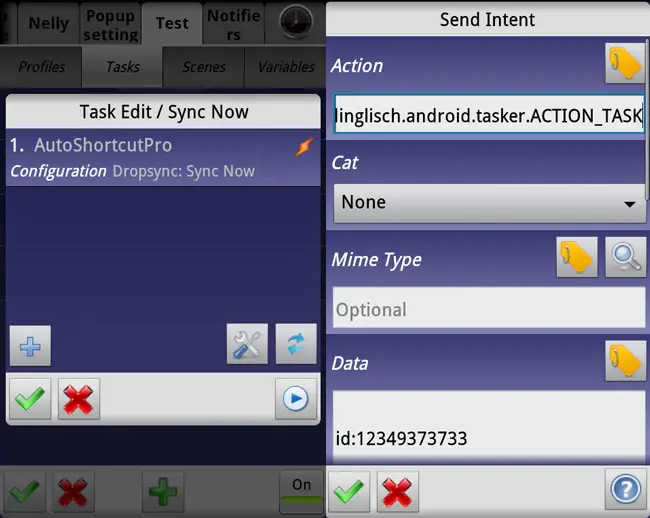
The video shows how you get around this by creating a standalone app that launches your specified action. You need Tasker, the App factory add-on, and preferably AutoShortcut. It doesn’t take long, and it works well. The second half of the video shows how you can use a similar method to run Tasker tasks this way, without having to put all the referenced Tasker creations in the exported app. Thanks go to the Tasker developer for helping me get that method figured out.


