Educators should learn to use the PDF format – all of it
The PDF format is a powerful tool for teachers – if they use it fully.
Read More
News and reviews for the hype weary

The PDF format is a powerful tool for teachers – if they use it fully.
Read More
I saw Avengers: Endgame a few days after it came out, and sure, it’s entertaining. As with so many high budget Hollywood movies, though, I also thought it was somewhat dumb. I used to be able to fully enjoy movies like these, but my ability to do so continues to diminish the more I read books of comparable genres. What follows is a list of some of my favorites, and the biggest reasons why I kept looking at the time during Endgame.
Read More
Six months ago I wrote about how I became a full-time Apple user, closing the door on Android, presumably for
Read More
I’ve always used multiple platforms, normally an iPad + Android phone + Windows computer, but with some variation. Tasker has
Read More
I used to play Pokemon Go a lot. I hit level 40 last summer, then stopped playing. My primary reason
Read More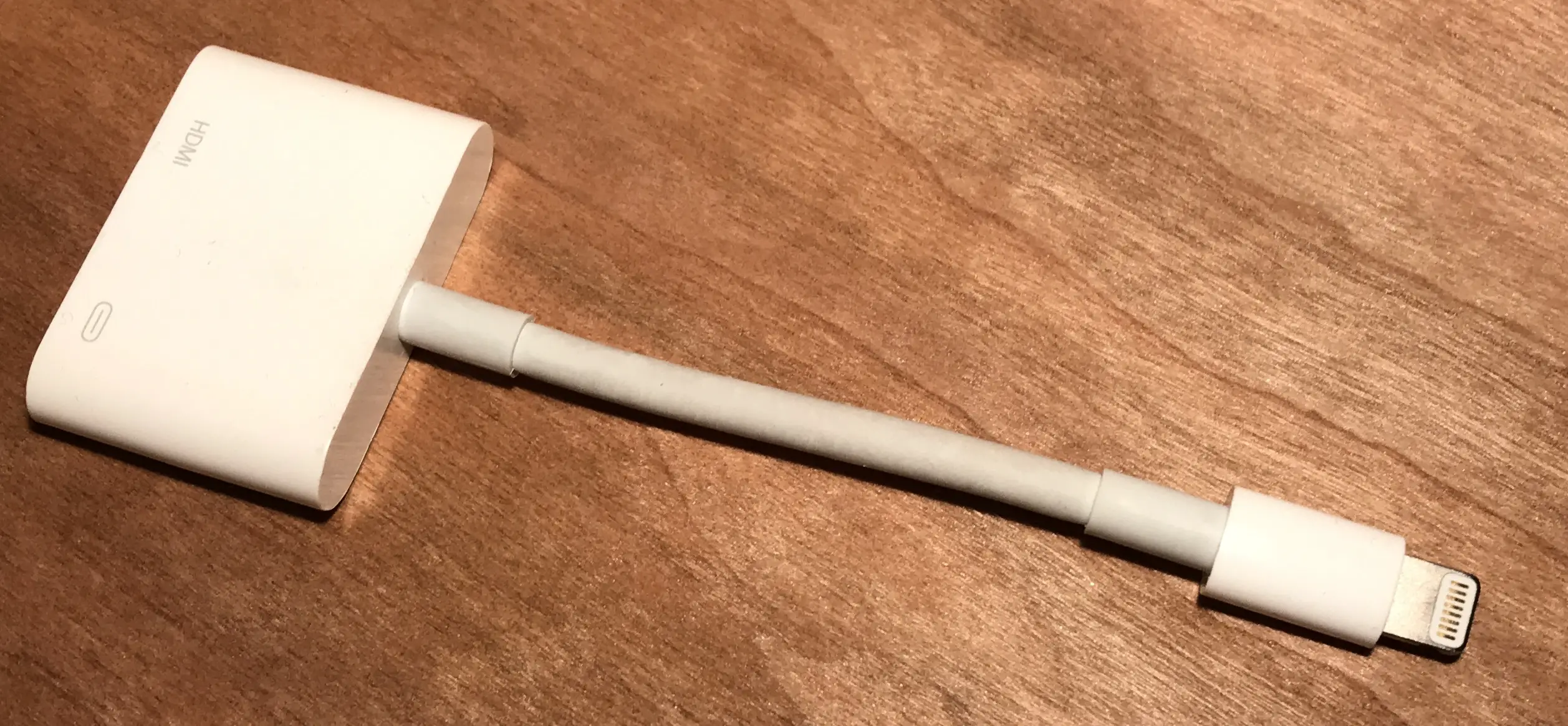
Back in late 2012, Apple switched from the old 30 pin connector to the new Lightning connector. For me, that
Read More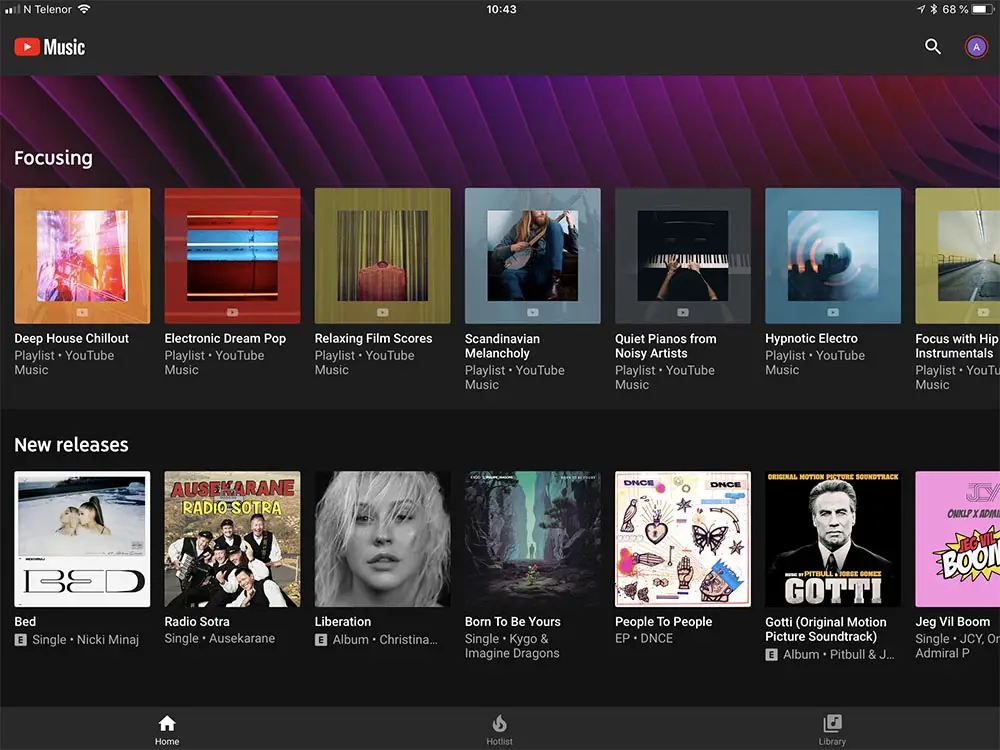
YouTube Music, Google’s new take on music streaming, is now out in 17 countries. The launch includes the new YouTube
Read More